Prompt Patterns for 2048px Output
At 2048px, prompts that worked fine at 1024 start to break. Three patterns that hold up, plus a worked example that actually tests the resolution limit.
When GPT Image 2 ships with native 2048px and 4K output, the first thing you will notice is that a prompt which rendered cleanly at 1024 can look chaotic at the larger size. The extra pixels do not just scale the image up, they expose everything the model was glossing over at smaller sizes.
That is good news if you plan for it. It is bad news if you write prompts the way you did for 1024px output.
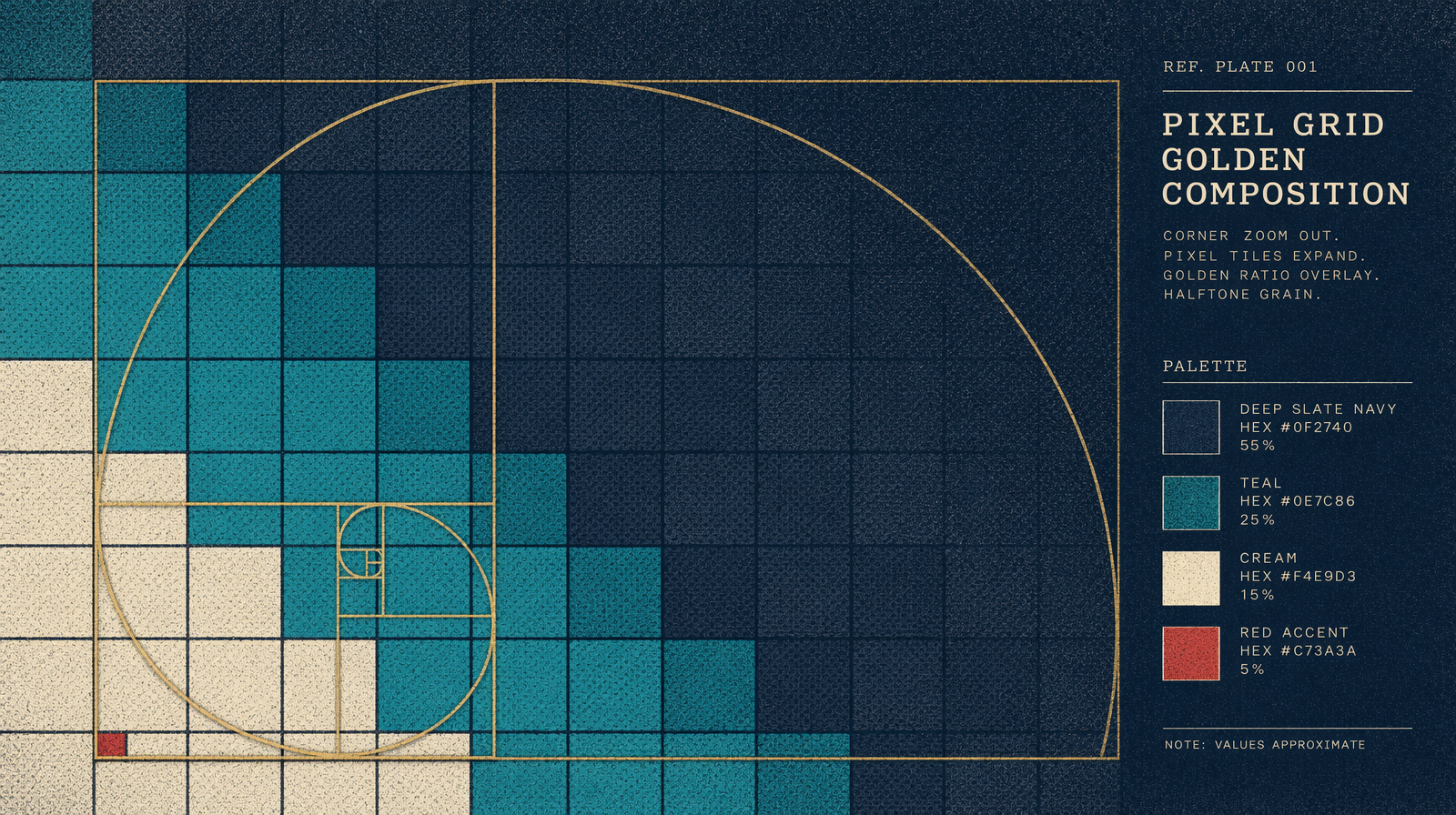
For today, GPT Image 1.5 maxes out at 1024x1024, priced between $0.005 and $0.20 per image depending on quality tier. The Flux family goes higher. Treat the patterns below as future-ready for GPT Image 2 and immediately useful on Flux at 1536 or 2048.
Pattern 1: one subject, one background, one accent
At 2048px, the model has enough pixel budget to render everything you ask for. A prompt that lists seven items will return an image where each item competes for attention and none of them reads cleanly.
The fix is a strict three-part frame. One subject. One background. One accent. No secondary props, no atmosphere modifiers stacked three deep.
Bad: a woman in a red dress holding a vintage camera standing on a cobblestone street with cafe tables in the background and a yellow taxi passing at sunset with golden hour light and film grain.
Good: a woman in a red dress on a cobblestone street. Background: a soft-focus cafe. Accent: a single yellow taxi in the deep background.
Same scene, clearer hierarchy. The model spends the pixel budget on the subject, gives the background texture without detail, and lets the accent read as an accent instead of a second subject.
Pattern 2: name pixel density anchors
This is the strangest one but it works. At 2048px, you can tell the model where to concentrate detail by naming pixel clusters.
Phrases like 'a small cluster of twelve pixels here forms a distant bird,' 'eight pixels of highlight along the ceramic edge,' or 'a thin six-pixel line of typography running along the bottom' give the model an anchor for detail density. You are not controlling the render pixel by pixel. You are telling the parser that certain regions deserve fine work and others do not.
Without an anchor, the model tends to oversize small elements at 2048 because it has the room.
Pattern 3: use real composition terms
Rule of thirds. Golden spiral. Leading lines. Negative space. Foreground, middle ground, background.
These terms exist because photographers and painters needed shared vocabulary for arrangement. Models trained on captions know them. At 1024px, you could get away with 'the subject in the center.' At 2048, that phrasing leaves too much room for interpretation.
'Subject positioned on the left third, gaze directed across negative space toward the right' is a prompt that knows what it wants.
A worked prompt that tests the limit
Here is a prompt designed to stress 2048px output. It combines all three patterns.
A single ceramic teapot on a linen-covered table. Background: a window with rain streaks, soft-focus. Accent: a small cluster of twenty pixels forming a gold-leaf crest on the side of the teapot. Composition: rule of thirds, teapot on the left vertical line. Light: overcast daylight, 5600K, flat. Render at 2048px, neutral color balance, no warm cast.
1import { fal } from '@fal-ai/client';23const result = await fal.subscribe('fal-ai/flux/dev', {4 // or fal-ai/gpt-image-2 once available5 input: {6 prompt: 'A ceramic teapot on a linen table. Background: window with rain streaks, soft-focus. Accent: a cluster of twenty pixels forming a gold-leaf crest. Rule of thirds, teapot on the left vertical line. 5600K, flat. Neutral color, no warm cast.',7 image_size: { width: 2048, height: 2048 },8 num_inference_steps: 40,9 guidance_scale: 3.510 }11});1213console.log(result.data.images[0].url);
Run this once, then change one variable at a time. Swap the accent. Swap the composition term. Swap the light temperature. You will build a mental model of which levers move the most pixels per token of prompt.
Fewer asks, sharper asks, and the right vocabulary for the asks you keep.